
OptiKPI allows you to edit, manage, and track campaign changes based on its status.
To edit a campaign, click the three-dot action menu (⁝) on the right side of the campaign. This will open a list of possible actions based on the campaign’s status.
Editing an Active Campaign
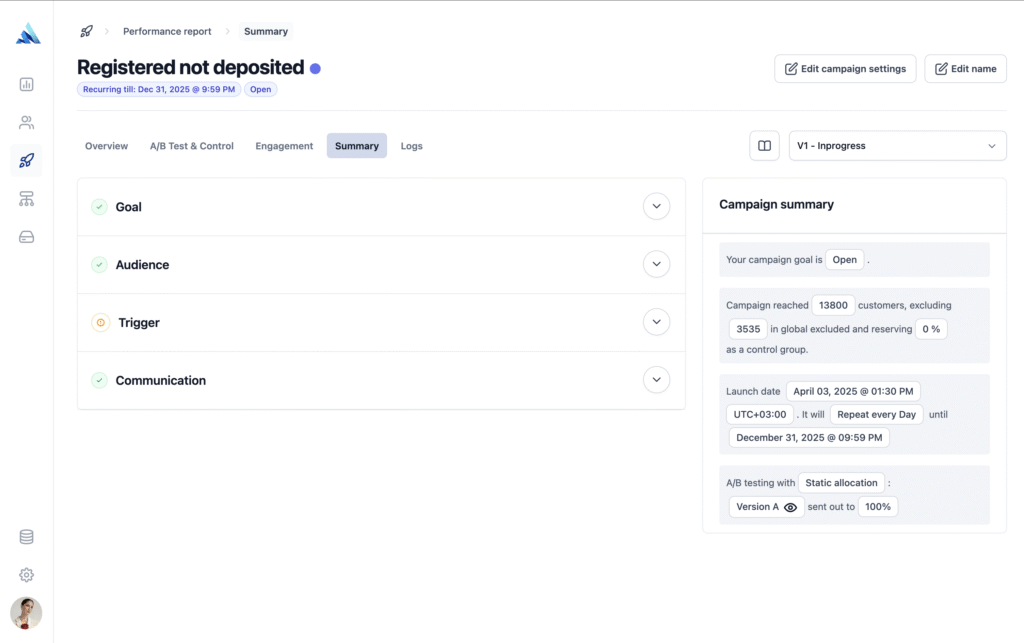
For active campaigns, there are three possible scenarios for making edits:
- One-Off Pre-Scheduled Send-Out: If the campaign is scheduled but hasn’t launched yet, you can still edit its settings before it sends.
- Recurring Campaign (Before Any Send-Outs Begin): If the recurring campaign has been created but no messages have been sent yet, you can edit the settings, and it will be treated as the same version.
- Recurring Campaign (After Send-Outs Have Started): If a recurring campaign is already running, edits will only apply to future send-outs. Each update will be recorded as a new version of the campaign.
Every change to an active recurring campaign is saved as a new version. Users can review different versions in:
- Campaign Report
- Campaign Settings Summary (via the “Version” dropdown).
Besides editing, users can also:
- View history logs – See a timeline of changes made to the campaign.
- Set as Inactive – Temporarily disable the campaign.
- Duplicate – Create a new campaign based on the existing setup.
Actions for Completed Campaigns
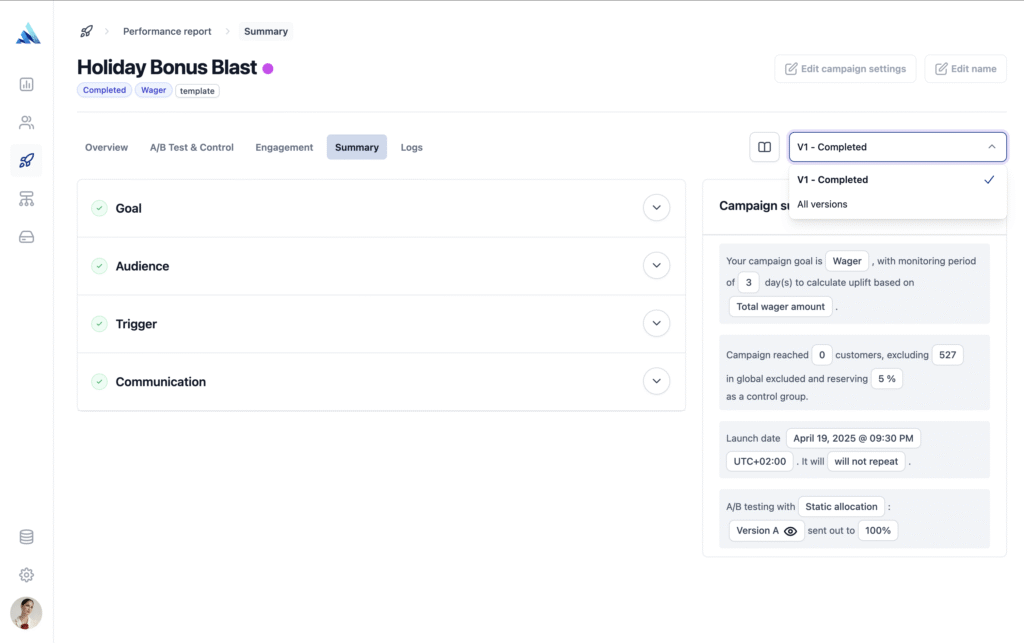
For completed campaigns, the available actions are:
- View Settings – Review the final campaign configuration.
- View History Log – Check past edits and updates.
- Duplicate – Copy the campaign setup for future use.
Editing settings is only available for Active or Draft campaigns. Completed campaigns cannot be edited.